Workspace
Usage and limits.
What each plan includes, how usage is counted, and what happens when you reach a limit.
Each plan has limits on AI messages, agents, team seats, knowledge sources and pages per website. See them side by side in Plans and billing.
See your usage
Plan & billing shows a meter for each limit, and turns it amber when you're close. The box at the bottom of the sidebar always shows this month's AI messages.
How AI messages are counted
Every reply the AI writes counts as one AI message: in the website widget and in the Playground. Replies from your team don't count.
The allowance is per calendar month and starts again on the 1st.
When AI messages run out
- The website widget stops answering with AI. Customers can still write; their chats go straight to your team in the inbox.
- The Playground stops answering.
- A banner on every page says how long until answers come back.
- Owners and admins get one email that month.
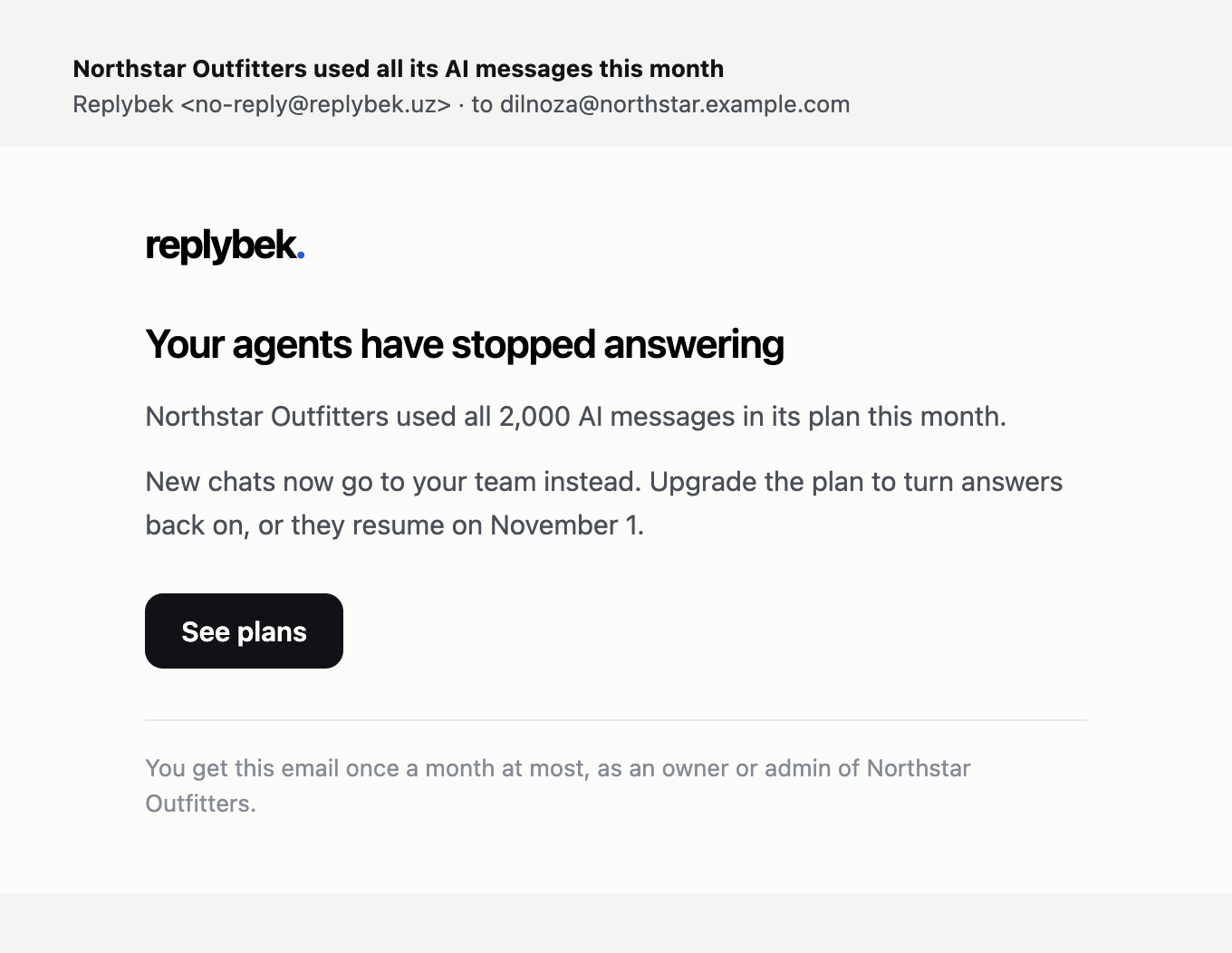
Upgrading turns answers back on right away. Otherwise they resume on the 1st of next month.
Agents and knowledge sources
When all agents or knowledge sources on your plan are in use, Create agent and Add knowledge explain the limit and point to the plans instead of opening the form.
Nothing is ever deleted when you're at a limit, or when you move to a smaller plan. If your usage is above a smaller plan's limits, remove some agents or sources before switching to it.