Workspace
Team.
Invite teammates to answer customers and help run Replybek, and choose what each of them can do.
Open Settings & billing, then Team. You see everyone in the workspace, their role and when they joined, and the invitations still waiting.
Roles
| Role | Can do |
|---|---|
| Owner | Everything, including the plan and billing. Each workspace has one owner: the person who created it. |
| Admin | Manages agents, knowledge, integrations, settings and the team, and answers conversations. |
| Agent | Answers conversations in the inbox. Teammates with this role start in the Inbox. |
Invite a teammate
- Press Invite teammate.
- Enter their email and choose a role: Agent or Admin.
- Press Send invitation. They get an email with a link to join. It works for 7 days.
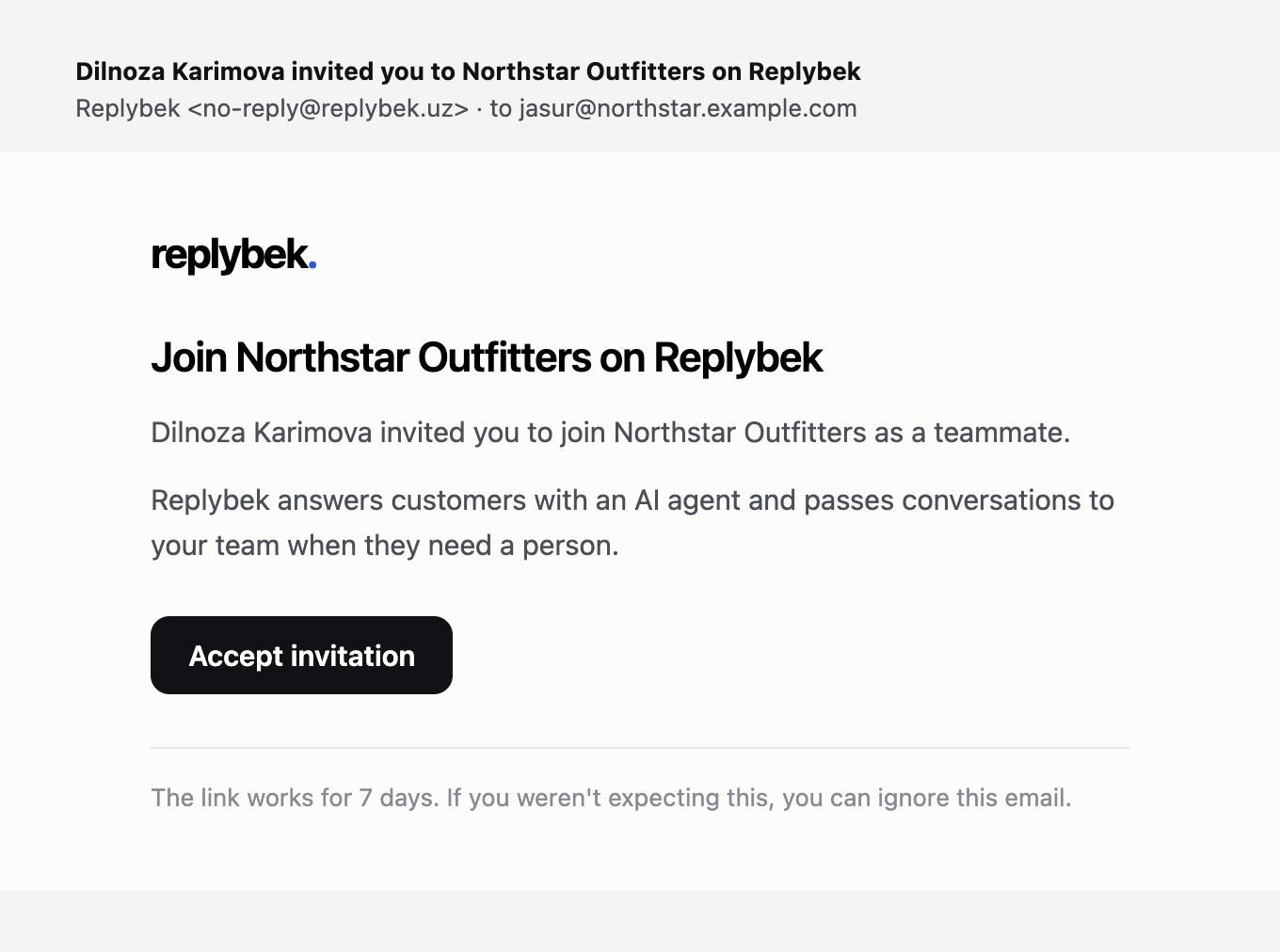
The invited person opens the link, enters their name and a password, and lands in the workspace. If they already have a Replybek account with that email, they sign in to accept instead.
Manage invitations and members
- Resend sends a new link and gives the invitation 7 more days. The old link stops working.
- × cancels an invitation.
- The Role menu next to a member changes their role.
- Remove from team, in the member's ⋯ menu, takes away their access. Conversations they were handling go back to the queue.
Admins can't remove the owner, and nobody can remove themselves.
Seats
Each plan includes a number of seats: 2 on Starter, 5 on Growth and 15 on Business. Members and open invitations both use a seat. When all seats are taken, upgrade the plan or remove someone first. See Usage and limits.